
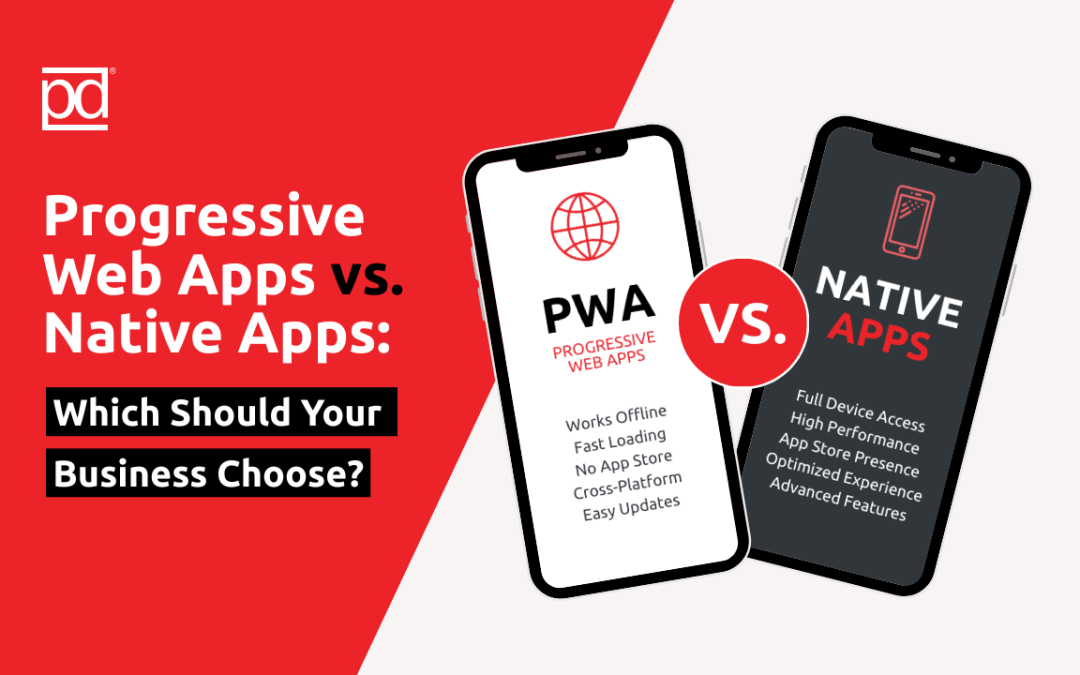
As businesses look to engage customers on mobile devices, app strategy has become a critical decision. Two popular options are Progressive Web Apps (PWAs) and Native Apps. Both provide unique benefits, but understanding the differences can help your business choose the right approach to enhance user experience and drive growth.
What is a Progressive Web App (PWA)?
A PWA is a website that behaves like a native app. Users can access it via a browser, install it on their home screen, and use it offline or with low connectivity. PWAs combine the best of web and mobile experiences while being easier to develop and maintain than native apps.
Key Features of PWAs:
- Works across all devices and browsers
- Offline functionality
- Push notifications
- Quick loading times
- No app store download required
What is a Native App?
A native app is developed specifically for a platform — iOS, Android, or another mobile operating system. It is downloaded from app stores and typically provides full access to device features, such as GPS, camera, and notifications.
Key Features of Native Apps:
- Full device integration and functionality
- Optimized performance for specific platforms
- Access to app store ecosystems
- More robust offline capabilities
Comparing PWAs and Native Apps
|
Feature |
Progressive Web App |
Native App |
|
Development Cost |
Lower, single codebase |
Higher, separate apps per platform |
|
Maintenance |
Easier updates, instant deployment |
Requires app store updates, more resources |
|
Installation |
Optional, browser-based |
App store download required |
|
Device Integration |
Limited access to device features |
Full access to camera, GPS, sensors, etc. |
|
Discoverability |
Indexed by search engines |
Relies on app store visibility |
|
User Experience |
Fast, responsive, works offline |
Smooth, optimized, and feature-rich |
When to Choose a Progressive Web App
Budget-Conscious Projects
PWAs are cheaper to build and maintain since they use a single codebase.
Wide Reach Needs
Because PWAs work on all devices and browsers, they’re ideal for reaching users without requiring app store downloads.
Quick Deployment and Updates
PWAs allow instant updates without needing user intervention, ensuring content and features are always current.
Simple Use Cases
For e-commerce, blogs, or content-heavy platforms, PWAs provide a seamless experience without the complexity of native apps.
When to Choose a Native App
Full Device Functionality Required
Apps that need advanced features like AR, GPS navigation, or complex offline functionality are better suited for native apps.
High Performance Needed
Native apps offer superior speed and responsiveness for gaming, media streaming, or high-interactivity applications.
Brand Presence in App Stores
Being visible in app stores can increase trust, discoverability, and retention among certain audiences
Hybrid Approaches
Some businesses adopt a hybrid approach: using a PWA for broad reach while developing a native app for premium functionality. This strategy maximizes accessibility while still offering an optimized experience for power users.
Final Thoughts
Choosing between a PWA and a native app depends on your business goals, budget, and desired user experience.
- PWAs offer cost-effective, fast, and easily maintainable solutions for broad reach.
- Native apps deliver optimal performance and access to device features, ideal for feature-rich, high-engagement applications.
By carefully evaluating your audience, functionality needs, and long-term strategy, your business can select the solution that drives engagement, loyalty, and growth. In the ever-evolving mobile landscape, the right app strategy can make a significant impact on your brand’s digital presence and customer satisfaction.